
On November 10, 2026, we published Kagura Memory Cloud, the memory layer at the core of Kagura AI, as a ChatGPT plugin. Install it from ChatGPT's plugin directory, and ChatGPT can read and write your Kagura memory right in the conversation.
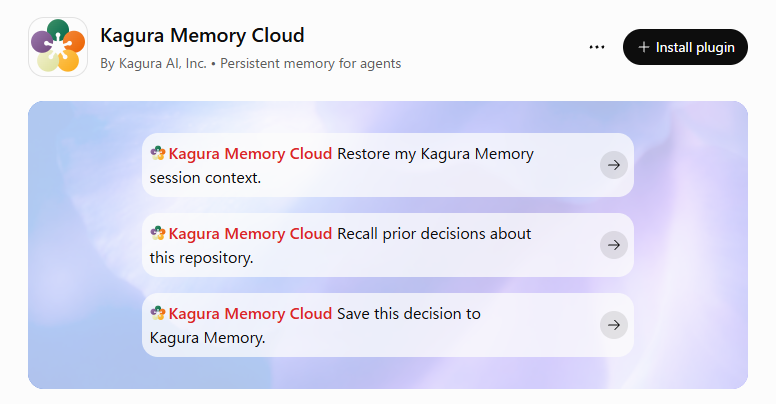
What you can do
- Bring back a project's context at the start of a conversation: standing rules, upcoming follow-ups and recent changes.
- Find past decisions, bug fixes and lessons by meaning, even when the words differ.
- Save decisions and reusable knowledge as you work, including dated follow-ups.
- Use what you saved from your other AI agents too: Claude, Codex, Cursor and others share the same memory.
How to start
- Open the Kagura Memory Cloud page in ChatGPT with the button below and install the plugin.
- When asked, sign in with your Kagura AI account and approve access.
- Ask, for example, "Restore my Kagura Memory session context." or "Save this decision to Kagura Memory."
The plugin reads and writes only the contexts you have access to. Secrets such as passwords and API keys are never stored as memories.
You need a Kagura AI account to use it. The cloud edition is invite-only for now; if you don't have an account yet, request an invite.